Connect artist.tools to MCP-compatible AI clients

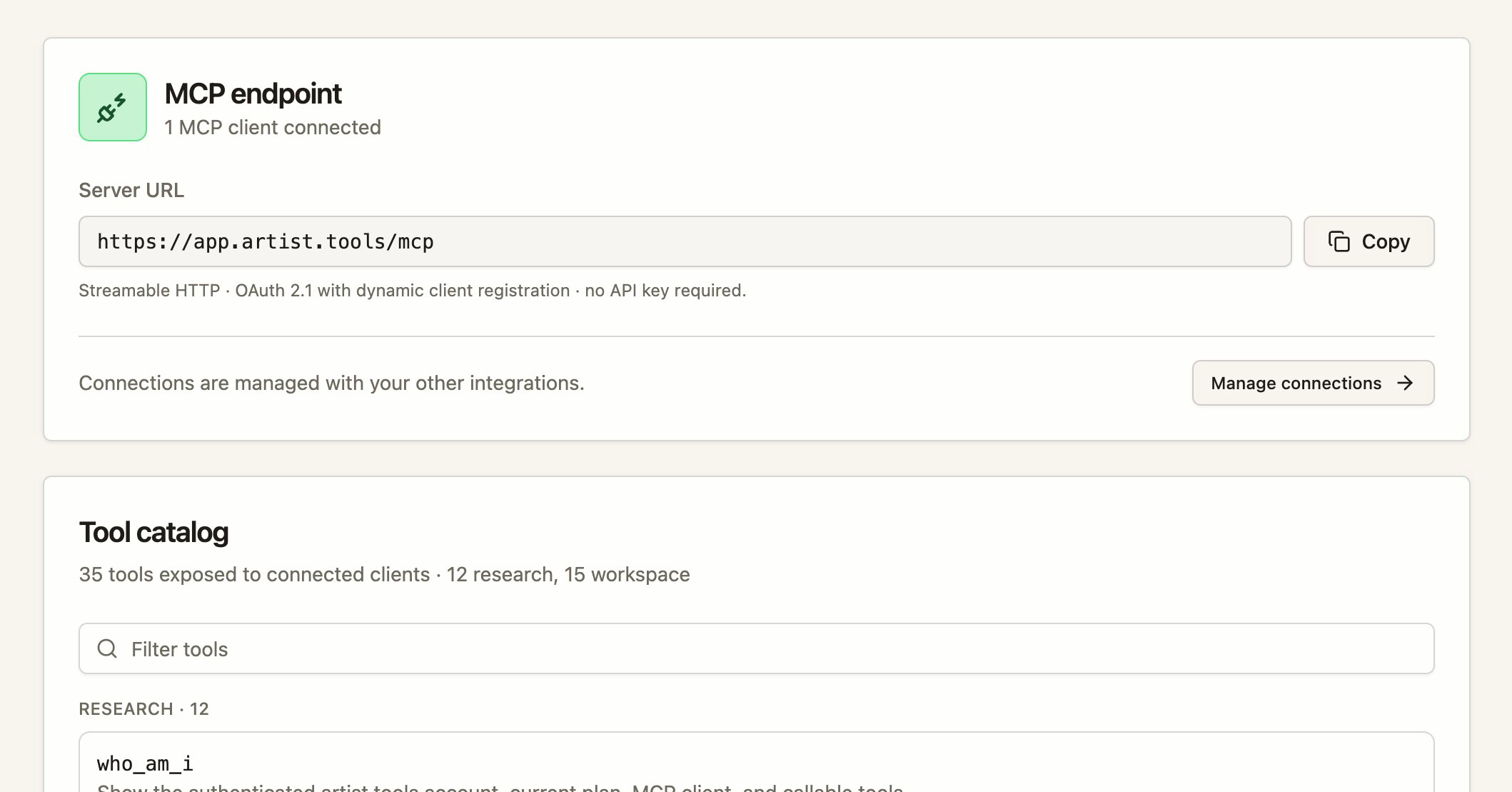
artist.tools now works as a remote MCP (Model Context Protocol) server, so you can run artist.tools tools directly from Claude, ChatGPT, Cursor, Grok, Gemini, Perplexity, GitHub Copilot, Windsurf, and Zed — or any other client that speaks MCP over streamable HTTP.
What's new
-
MCP endpoint — Add artist.tools as a remote MCP server using your artist.tools address followed by
/mcp. -
OAuth 2.1 connection flow — Authorize a client with an authorization-code + PKCE flow and a single
mcpscope. Approve or deny the connection on the "Authorize MCP Connection" page, and revoke it any time from Settings > Integrations. -
Research tools — Resolve and search artists, tracks, playlists, and curators; get entity details, track credits, keywords, SEO metrics, and backlinks.
-
Workspace tools — Manage entity and keyword folders, saved keywords, and notes.
-
Admin support tools — Administrators can approve a connection for admin tools (user support context, playlist quality, contact fields, AI labels, and entity refresh). Admin tools require both an admin account and explicit approval on the consent screen.
Permissions
-
Research and workspace tools require the Developer Access plan. The
who_am_itool is available on every plan. -
You can connect a client on any plan, but without Developer Access the connection stays active while tool calls are locked.
-
Manage your API key and developer settings in the Developer Console.
Rate limits
-
Global account ceiling: 120 requests/minute, 10,000 requests/day, max 4 concurrent requests.
-
Per-tool-group limits apply (e.g. Search 60/min, Workspace writes 30/min, Provider enrichment 2/min).
Get started