
Content Analysis, Expanded Search, and Press Mentions

We’ve shipped a round of search and SEO updates to help you research opportunities faster, spot better playlist fits, and review off-platform coverage with less clicking. This release adds a new Content Analysis workflow on keyword pages, expands the /search page beyond playlists, and brings Press Mentions into more places across the app.
These new search and SEO features are part of the Industry Access plan.
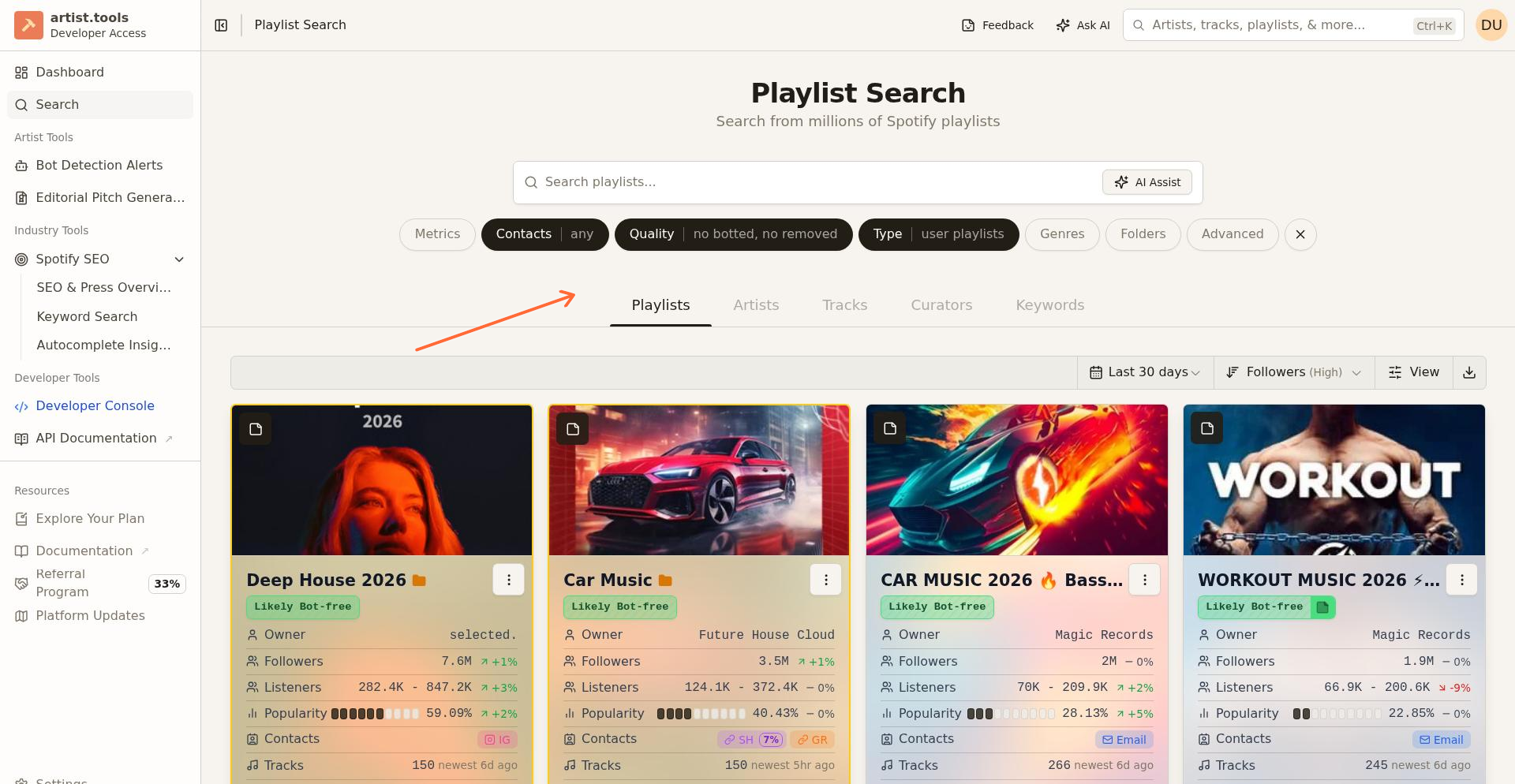
Expanded search: Artists, Tracks, and Curators
The /search page now supports more than playlist discovery. Industry Access users can now search across Artists, Tracks, and Curators, alongside the existing Playlists and Keywords views.
This makes the search page more useful when you want to move between different types of research without changing tools. You can start with a playlist search, switch to artist or track research, or move into curator discovery from the same area.
For users on plans without Industry Access, the page now makes those additional search types more visible as upgrade-gated features instead of hiding them behind separate workflows.
New: Content Analysis on keyword pages
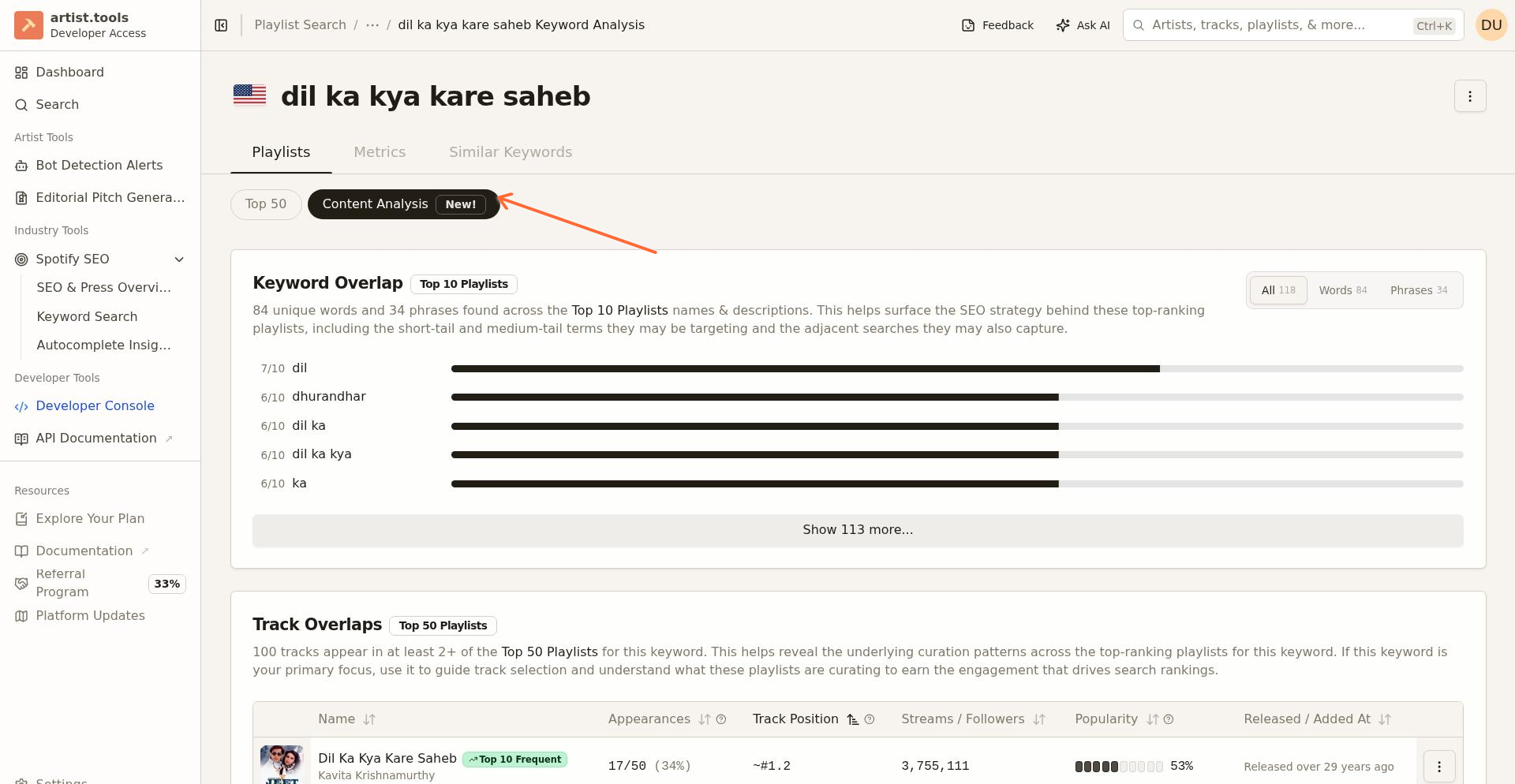
The keyword page now includes a new Content Analysis tab inside the Spotify view. This gives you a faster way to study what shows up across the top ranking playlists for a keyword instead of reviewing each playlist one by one.
The new workflow includes Track Overlaps, which highlights tracks that appear in at least two of the top ranking playlists for that keyword. You can use this to spot repeat appearances across the Top 50 Playlists and get a clearer view of the songs already clustered around a search term.
The content analysis tools also add text analysis controls so you can review playlist language at different levels, including all, words, and phrases. That makes it easier to understand how top playlists are described and how they frame a keyword in practice.
If you’re already using Keyword Search to find terms worth targeting, this update gives you a stronger next step once you open the keyword detail page.
Press Mentions across SEO and entity pages
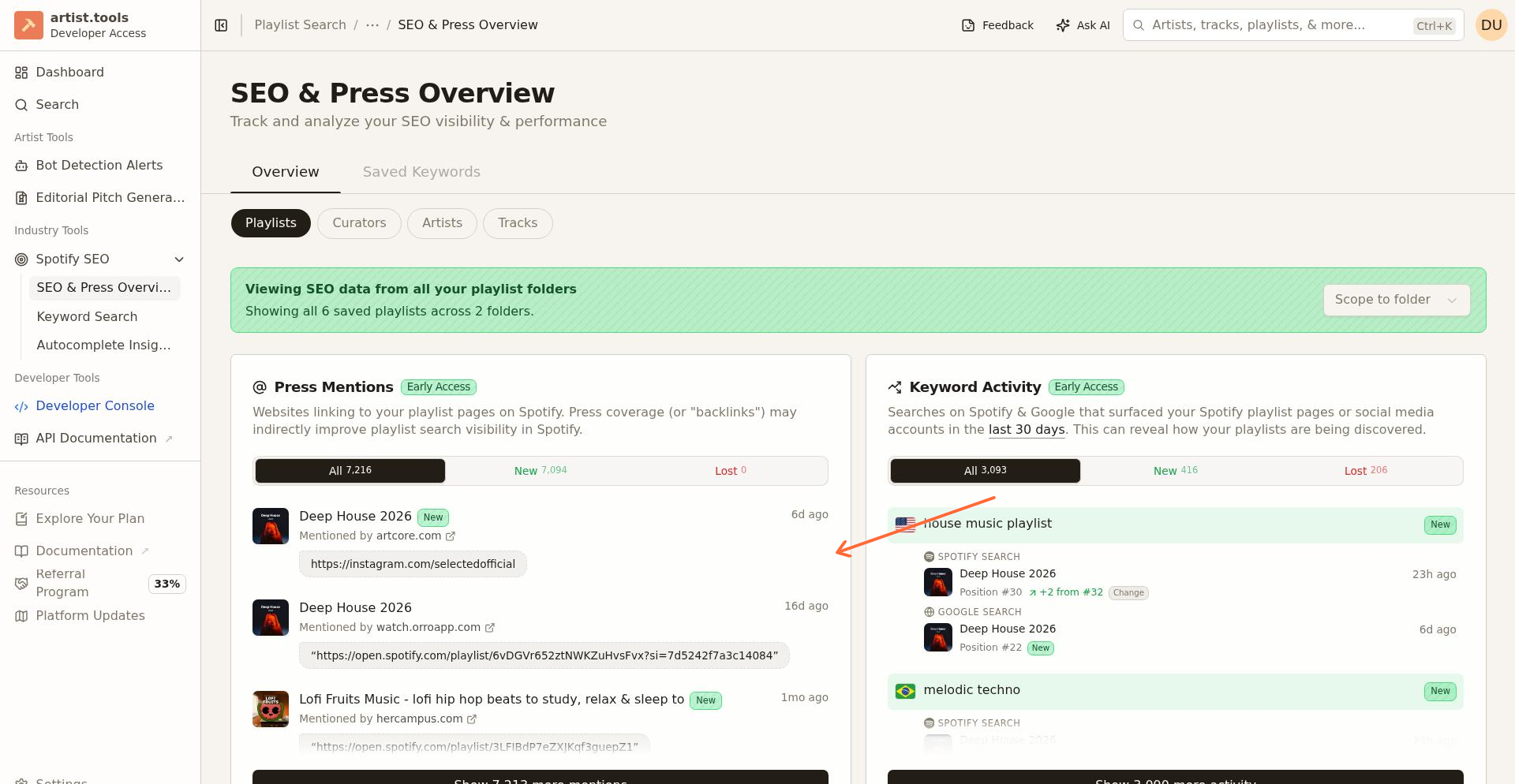
We’ve also expanded Press Mentions visibility. You can now find this information in the SEO playlist workflow and across entity pages for artists, tracks, playlists, and curators.
That means you can review press and mention signals closer to the page you’re already working in, instead of bouncing between separate SEO views to gather context. This makes it easier to connect search research, playlist evaluation, and outside coverage in one flow.
For more on how press coverage works in artist.tools, see Backlink Mentions and Press Coverage.
Fewer clicks and cleaner workflows
This release also includes a broad set of interface refinements across these pages. The goal is simple: make the product easier to scan, reduce extra steps, and help you get to the next useful action faster.
You’ll see this in the way analysis views are organized, how search options are surfaced, and how related SEO context now appears directly on entity pages. The result is a smoother research workflow whether you’re qualifying playlists, checking keyword competition, or reviewing curator and press signals.
Where to start
-
Use Keyword Search to find a keyword worth exploring.
-
Open the keyword page and review Top 50 plus the new Content Analysis tab.
-
Use the expanded /search page to jump into artist, track, or curator research.
-
Review Press Mentions on playlist and entity pages to add outside context before you pitch or analyze a target.
If you want a deeper walkthrough of keyword analysis, see Keyword Page and Playlist SEO tab.